

How to check the Device ID
To check your device’s ID, follow these steps:
- Open the Cocoon Connect Application and log into your account.
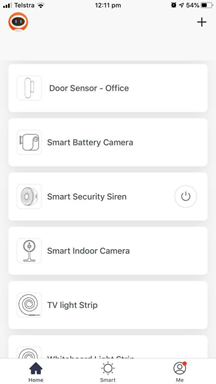
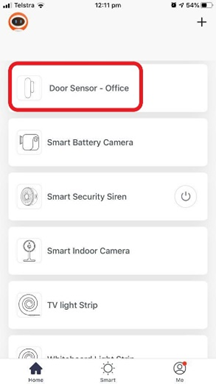
- Select from the list which device you would like to obtain the ID of.
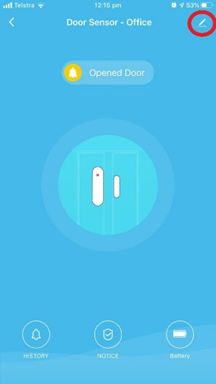
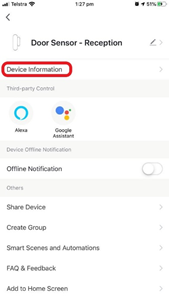
- Enter your device settings in the top right – this may look different depending which device you have.
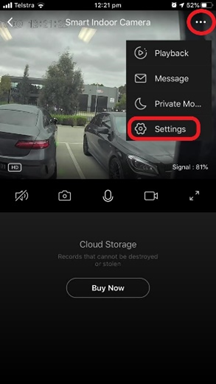
- Select the ‘Device Information’ button.
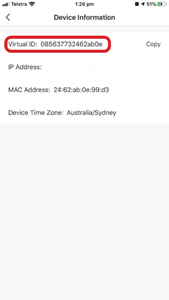
- Your device ID will be listed under ‘Virtual ID’.
Comments
0 comments
Please sign in to leave a comment.